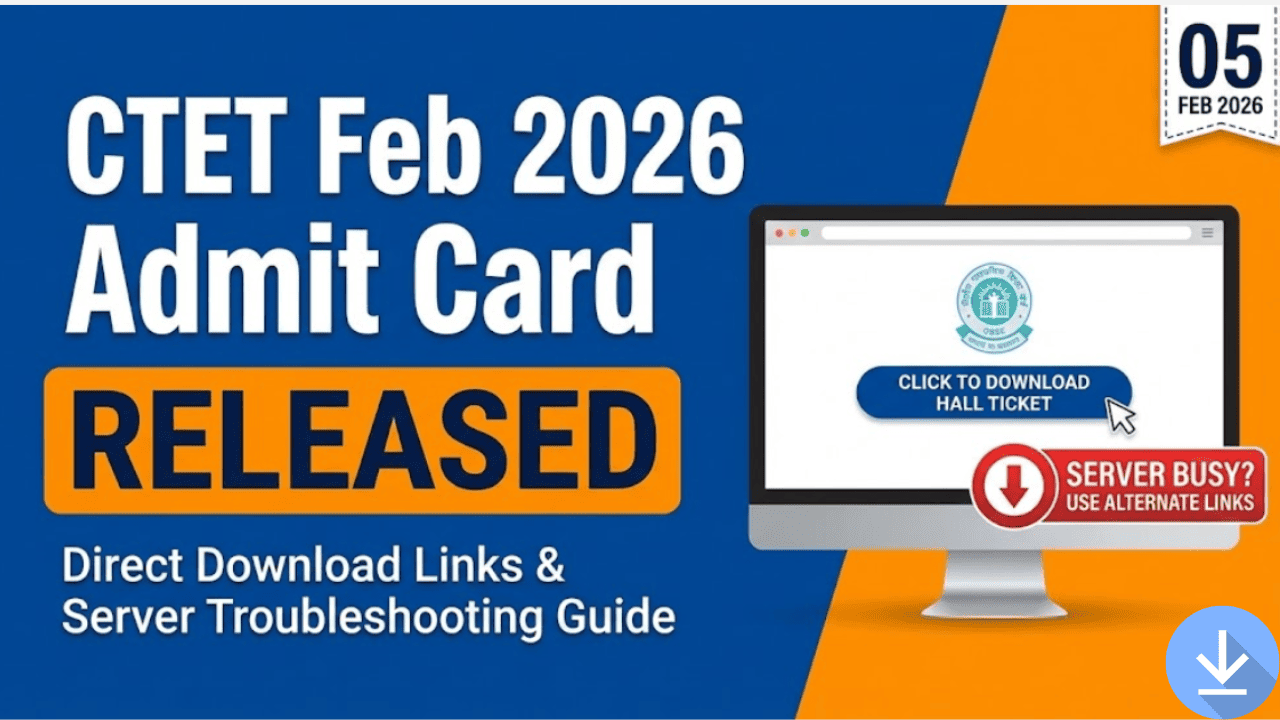
The Central Teacher Eligibility Test (CTET) February 2026 Admit Card has been officially released by the Central Board of Secondary Education (CBSE). Candidates appearing for the exam on 07 February and 08 February 2026 can now download their hall tickets.
Due to heavy traffic, the official website is currently experiencing server issues. This guide provides direct alternative links, solutions for server crashes, and steps to correct errors in your admit card.
Breaking: Server Down? Use These Direct Links
If the main website is not loading, use these alternative server links provided by CBSE:
- 🔴 Link 1 (Server A): Click Here to Download Admit Card
- 🔴 Link 2 (Server B): Click Here to Download Admit Card
Tip: If the page says "Service Unavailable," try opening the link in Incognito Mode or refresh multiple times.
Overview of CTET Feb 2026
The 21st edition of CTET is being conducted across two days as per the revised schedule.
- Exam Dates: 07 February (Saturday) & 08 February 2026 (Sunday)
- Mode: Offline (Pen-Paper / OMR)
- Cities: 140 cities across India
Exam Shifts:
- Morning Shift (Paper II): 9:30 AM – 12:00 PM
- Afternoon Shift (Paper I): 2:30 PM – 5:00 PM (Note: Check your specific admit card for your exact shift and reporting time).
CTET 2026 Exam: Important Dates (Updated)
| Event | Date | Status |
| Admit Card Release | 05 February 2026 | Released |
| City Intimation Slip | 23 January 2026 | Released |
| CTET Exam Date | 07 & 08 Feb 2026 | Upcoming |
| Result Declaration | March 2026 (Tentative) | Awaited |
CTET Feb 2026: Exam Timings & Schedule
Dates: 07 February 2026 (Saturday) & 08 February 2026 (Sunday)
| Event | Morning Shift (Paper II) | Afternoon Shift (Paper I) |
| Exam Date | 07 & 08 Feb 2026 | 07 & 08 Feb 2026 |
| Reporting Time | 07:30 AM | 12:30 PM |
| Last Entry (Gate Closure) | 09:30 AM | 02:30 PM |
| Admit Card & ID Checking | 09:00 AM – 09:15 AM | 02:00 PM – 02:15 PM |
| Booklet Distribution | 09:15 AM | 02:15 PM |
| Test Start Time | 09:30 AM | 02:30 PM |
| Test End Time | 12:00 Noon | 05:00 PM |
Critical Warning: The exam centre gates will close exactly at 09:30 AM and 02:30 PM. No candidate will be allowed to enter after the gate closure time under any circumstances. It is highly recommended to reach the centre at the Reporting Time (2 hours before exam start) to complete biometric verification and frisking smoothly.
Common Issues & Solutions
Since the release, candidates have reported several issues. Here is how to fix them:
1. Website Crashing / "503 Service Unavailable"
- Reason: Over 25 lakh candidates are accessing the site at once.
- Solution: Try downloading late at night (after 11 PM) or early morning (5 AM). Use the alternative links provided above.
2. Error in Candidate Name or Spelling
- Solution: Compare the Admit Card with your Confirmation Page. If the error is on CBSE's end, email the CTET Unit immediately with your Application Number and proof. If the error was in your application form, it cannot be changed now.
3. Exam Centre Far Away
- Status: CBSE generally does not change exam centres once allotted. Verify the location on Google Maps immediately to plan your travel.
How to Download CTET 2026 Admit Card
Follow these steps to download your hall ticket:
- Click on one of the Direct Links above.
- Enter your Application Number.
- Enter your Password.
- Enter the Security PIN (Captcha) shown on the screen.
- Click Submit.
- Your Admit Card will appear. Print two copies immediately.
Details to Verify on Admit Card
Ensure these details match your identity documents:
- Candidate Name & Spelling
- Roll Number & Application Number
- Exam Date: Check if your exam is on 07 Feb or 08 Feb.
- Exam Centre Address: Locate this early.
- Photograph & Signature (Must be visible).
What to Do in Case of Discrepancies in Admit Card?
Finding an error on your admit card can be stressful, but most issues can be resolved if you act immediately. Here is the official protocol for handling errors in the CTET Feb 2026 Admit Card.
1. Error in Candidate’s Name, Father's Name, or DOB
- Step 1: Compare your Admit Card with your Confirmation Page (the form you downloaded after applying).
- Scenario A: If the error exists in your Confirmation Page too, it means you made a mistake while applying. It cannot be changed now. You must take the exam with the existing admit card. You can try to file an affidavit later during the certificate verification stage.
- Scenario B: If your Confirmation Page is correct but the Admit Card has an error, this is a technical glitch on CBSE’s part.
- Step 2: Immediately email the CTET Unit with your Application Number, a copy of the Confirmation Page, and the Admit Card highlighting the error.
- Contact Details:
- Email:
ctet.cbse@nic.inordirectorctet@cbseshiksha.in - Helpline:
011-22240112, 011-24050477 (Call between 10:00 AM – 05:00 PM)
- Email:
2. Photograph or Signature Missing / Not Visible
This is a common server generation error.
- Immediate Solution: Contact the CTET helpline immediately.
- Exam Day Solution: If the issue is not resolved by exam day, candidates are advised to carry two recent passport-sized photographs (same as the one uploaded in the application) to the exam centre. You may need to hand these to the Invigilator or Centre Superintendent for verification.
3. Wrong Paper or Subject (e.g., Math/Science instead of Social Science)
- This is a critical error. Check your Confirmation Page.
- If you selected the correct subject in your application but the Admit Card shows the wrong one, you must visit the CBSE CTET Unit in Delhi or contact them immediately with proof.
- If you selected the wrong subject yourself, no changes are allowed at this stage.
4. Application Number Not Found / Invalid Credentials
If you cannot login to download your admit card:
- Click on "Forgot Application No?" on the login page.
- Enter your Name, Father’s Name, Mother’s Name, and DOB to retrieve it.
- If it still says "Record Not Found," it is possible your application was rejected due to fee non-payment or image discrepancy. Check your email for any rejection notices from CBSE.
Important Contact Information for Help
Save these details for urgent queries:
- Email:
ctet.cbse@nic.in - Phone:
011-24050477 - Address: CTET Unit, CBSE, PS 1-2, Institutional Area, I.P. Extension, Patparganj, Delhi-110092
City Intimation Slip vs. Admit Card
| Feature | City Intimation Slip | Admit Card (Hall Ticket) |
| Release Date | 23 Jan 2026 | 05 Feb 2026 |
| Purpose | Inform Exam City only | Entry Ticket for Exam |
| Details | City Name | Exact School/Centre Address |
| Validity | NOT valid for entry | MANDATORY for entry |
Must-Carry Documents for Exam Hall
You will not be allowed inside the centre without:
- Printed CTET Admit Card (Original).
- Valid Photo ID Proof (Aadhaar Card, PAN Card, Voter ID, or Driving Licence).
- Ballpoint Pen (Blue/Black) of good quality.
- Water Bottle (Transparent, 500ml).
Also See:
- CTET Feb 2026 Display of Answer Key and Scanned OMR Sheet
- CTET Answer Key 8 Feb 2026: Paper 1 & Paper 2 Solutions, Question Paper PDF
- CTET Exam Analysis 7 Feb 2026
- CTET Question Paper 7 Feb 2026 – Paper 2 PDF Download
- CTET Answer Key 7 Feb 2026 – Paper 2 (Official Question Paper Based)
Conclusion
The CTET Feb 2026 Admit Card is now available. Candidates should download it immediately using the direct links to avoid last-minute server rushes. Verify your Exam Date (7th or 8th Feb) and Centre Location today to ensure a smooth exam day.
All the best for your exam!
Related posts:
 CTET February 2026 Exam Announced: Official Notice, Exam Dates, Syllabus & Updates
 CTET Previous Year Papers PDF with Solutions (2024-2018) – Free Download
 CTET Feb 2026 Notification OUT: Download PDF & Read This Before You Apply
 CTET Feb 2026 Required Documents + Photo/Signature Size
 Difference Between CTET Paper 1 vs Paper 2 – Which Should You Apply For?
 What Happens After Clearing CTET? A Complete Career Roadmap
 CTET Feb 2026 Application Correction: Last Chance to Fix Application Mistakes
 CTET Feb 2026 City Slip Released: 3 Critical Checks & The “Home Centre” Reality