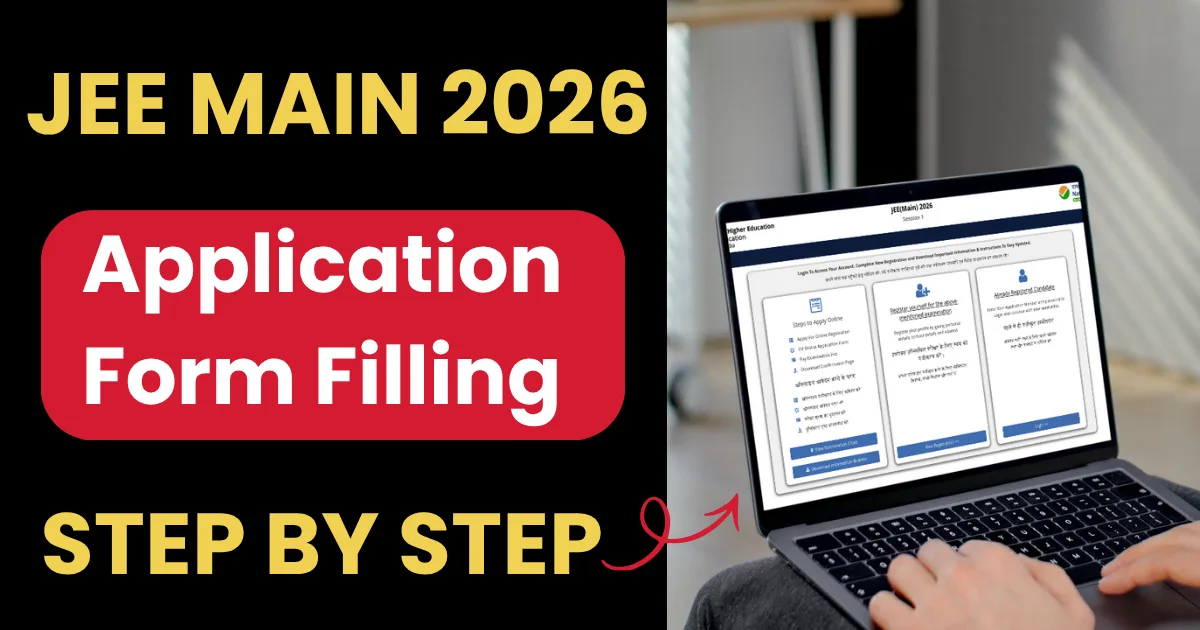
The Joint Entrance Examination (JEE) Main 2026 is conducted by the National Testing Agency (NTA) for admission to undergraduate engineering, architecture, and planning programs across India. It serves as a gateway to top institutions such as NITs, IIITs, and CFTIs, and also acts as the qualifying exam for JEE Advanced (for IIT admissions).
The exam will be held in two sessions — Session 1 (January 2026) and Session 2 (April 2026). Students can apply for either one or both sessions through the official NTA website: jeemain.nta.nic.in.
This guide provides a complete, step-by-step explanation of the application process, including required documents, fees, correction facility, and important dates.
JEE Main 2026 Overview
| Particular | Details |
| Conducting Body | National Testing Agency (NTA) |
| Exam Name | Joint Entrance Examination – Main (JEE Main 2026) |
| Level of Exam | National Level |
| Mode of Exam | Computer-Based Test (CBT) |
| No. of Sessions | 2 (January & April) |
| Papers | Paper 1 – B.E/B.TechPaper 2A – B.ArchPaper 2B – B.Planning |
| Application Mode | Online only (no offline submission) |
| Official Website | jeemain.nta.nic.in |
JEE Main 2026 Exam: Important Dates
Session 1 (January 2026)
| Event | Date |
| Online Application Submission | 31 October 2025 – 27 November 2025 (up to 9:00 PM) |
| Last date for fee payment | 27 November 2025 (up to 11:50 PM) |
| Correction window | 29 November – 30 November 2025 |
| City intimation slip | Released on 08 January 2026 |
| Admit card release | Started from 17 January 2026 |
| Exam dates | 21, 22, 23, 24, 28, and 29 January 2026 |
| Result declaration | By 12 February 2026 |
Session 2 (April 2026)
| Event | Date |
| Application window opens | 01 February 2026 to 25 February 2026 (up to 09:00 P.M.) |
| Fee payment last date | 25 February 2026 (up to 11:50 P.M.) |
| Correction window | To be notified (Likely late February 2026) |
| City intimation slip | Second week of March 2026 (Tentative) |
| Admit card release | 3–4 days before the exam |
| Exam dates | 02 April – 09 April 2026 |
| Result declaration | By 20 April 2026 |
Application Fee for JEE Main 2026
The fee can be paid online only via Credit Card, Debit Card, Net Banking, or UPI. Processing charges and GST are applicable as per the payment gateway.
For Exam Centres in India
| Category | Male | Female |
| General | ₹1000 | ₹800 |
| Gen-EWS / OBC (NCL) | ₹900 | ₹800 |
| SC / ST / PwD / PwBD | ₹500 | ₹500 |
| Third Gender | ₹500 | ₹500 |
For Exam Centres Outside India
| Category | Male | Female |
| General | ₹5000 | ₹4000 |
| Gen-EWS / OBC (NCL) | ₹4500 | ₹4000 |
| SC / ST / PwD / PwBD | ₹2500 | ₹2500 |
| Third Gender | ₹3000 | ₹3000 |
For candidates applying for multiple papers (e.g., B.E./B.Tech and B.Arch), the fee is higher as per NTA’s official table.
Note:
- Multiple application forms by the same candidate are not accepted.
- The Confirmation Page is generated only after successful fee payment.
- In case the confirmation page isn’t generated, the payment may not have been successful. Candidates must contact their bank or payment gateway and repay if needed.
Step-by-Step Process to Apply for JEE Main 2026
Step 1: Registration
- Visit the official NTA website: jeemain.nta.nic.in.
- Click on “JEE (Main) 2026 – New Registration.”
- Enter personal details such as name, date of birth, contact number, and email ID.
- Create a password and select a security question with an answer.
- Upon successful submission, a system-generated Application Number will appear; note it down for all future correspondence.
- This same Application Number will be used for both sessions (January and April).
Step 2: Fill the Application Form
Log in using the Application Number and password to complete the application. Enter:
- Personal details: Nationality, category, gender, etc.
- Paper selection: Choose Paper 1 (B.E/B.Tech), Paper 2A (B.Arch), Paper 2B (B.Planning), or combinations.
- Examination cities: Select up to 4 preferences in order.
- Educational qualifications: Enter details of Class 10 and 12 examinations.
- Identity verification: Aadhaar number or other valid ID.
Step 3: Upload Scanned Documents
All images and documents must be clear and within the size limits specified by NTA:
| Document | Format | File Size |
| Live photograph | JPG/JPEG | 10 KB – 200 KB |
| Signature | JPG/JPEG | 10 KB – 100 KB |
| Class 10 certificate / marksheet | 50 KB – 300 KB | |
| Identity proof (if not Aadhaar) | JPG/JPEG | 10 KB – 200 KB |
| PwD / UDID certificate (if applicable) | 50 KB – 300 KB |
Guidelines for photo upload:
- The photo must be recent and in colour, with 80% face visibility (including ears, no mask).
- Background should be white or light-coloured.
- A live photograph is required using a connected camera or webcam during form filling.
Important: Uploading someone else’s photo, signature, or certificates is treated as Unfair Means (UFM) and may result in disqualification.
Step 4: Pay the Examination Fee
After uploading the documents, proceed to pay the examination fee:
- Payment modes: Credit/Debit Card, Net Banking, or UPI.
- Once the payment is successful, the Confirmation Page will be generated.
- Save and print the confirmation page for reference.
Note: If the confirmation page is not generated, the payment failed; a new payment must be made. Any duplicate payments will be refunded later by NTA.
Step 5: Password Rules and Security
When creating a password, follow NTA’s security requirements:
- Length: 8–13 characters
- Must include:
- At least one uppercase letter
- At least one lowercase letter
- At least one number
- At least one special character (!@#$%^&*–)
- At least one uppercase letter
Password recovery options:
- Security question and answer
- OTP via registered mobile number
- Reset link via registered email ID
Top 10 Mistakes Students Make While Filling JEE Main 2026 Form – Avoid These
Important: Always log out after completing the form to prevent unauthorized access.
You can also watch this video for How to Fill JEE Main 2026 Application Form:
Correction Facility for JEE Main 2026
NTA provides a correction window for candidates who made errors while filling out the form.
Only specific fields can be edited; the editable fields differ depending on whether the Aadhaar number is verified or not.
For Aadhaar-verified candidates
- Parent’s name (only one can be changed)
- Category (with a valid certificate)
- Sub-category (PwD status)
- City preference
- Medium of exam
- Qualification details
- Course selection
For Non-Aadhaar-verified candidates
- Candidate’s name, father’s name, or mother’s name
- Date of birth
- Gender
- Category and subcategory
- City preference
- Medium of exam
- Qualification details
- Course selection
Steps to make Corrections in the JEE Main 2026 Form
- Visit jeemain.nta.nic.in.
- Click on the “Correction in Application Form” link.
- Log in using Application Number and password.
- Edit the allowed fields and submit.
- Save and print the corrected confirmation page.
Admit Card and Exam Day Details - JEE Main 2026
- The admit card will be available 3–4 days before the exam date.
- It must be downloaded from the NTA website only.
- The city intimation slip will be released before the admit card.
- Carry the admit card, photo ID, and passport-size photograph to the exam centre.
Key Instructions from NTA
- Apply for only one application form per session — multiple submissions lead to cancellation.
- Candidates may apply for Session 1 first, and later for Session 2 using the same application number.
- Ensure all uploaded documents are legible and original.
- NTA verifies all details, including Aadhaar, UDID, and educational records.
- Always check updates on the official website: https://jeemain.nta.nic.in.
Important Links:
| JEE Main 2026 Notification |
| JEE Main 2026 Eligibility |
| JEE Main 2026 Syllabus PDF Download |
| How to Balance Board Exams and JEE Main 2026 Preparation |
Final Words
Filling out the JEE Main 2026 application correctly is crucial to avoid rejection or disqualification. By following each step from registration and document upload to fee payment and correction, candidates can ensure a smooth and successful submission.
Candidates are advised to regularly checking the NTA website for updates, correction windows, and admit card release is equally essential.
For detailed guidelines, always refer to the official NTA Information Bulletin 2026, available at jeemain.nta.nic.in.
Related posts:
 JEE Main 2026: Why It’s Conducted Twice & Which Session You Should Choose
 Is It Possible to Crack JEE Main Without Coaching in 2026?
 JEE Main 2026 Notification Out – Download PDF, Registration Dates, Eligibility & Exam Schedule
 JEE Main 2026 Countdown: What You Should Do 100 Days Before the Exam
 JEE Main 2026 Chapterwise Weightage: High-Scoring Topics You Can’t Miss!
 JEE Main 2026 Application Form Rejected? Here’s What NTA’s Bulletin Really Says About Corrections
 JEE Main 2026: Why Session 1 Is Actually Easier for Many Students
 JEE Main 2026 Analysis (21st Jan Shift 1): Memory Based Questions, Difficulty Level & Subject-Wise Review